Messages that stay between participants
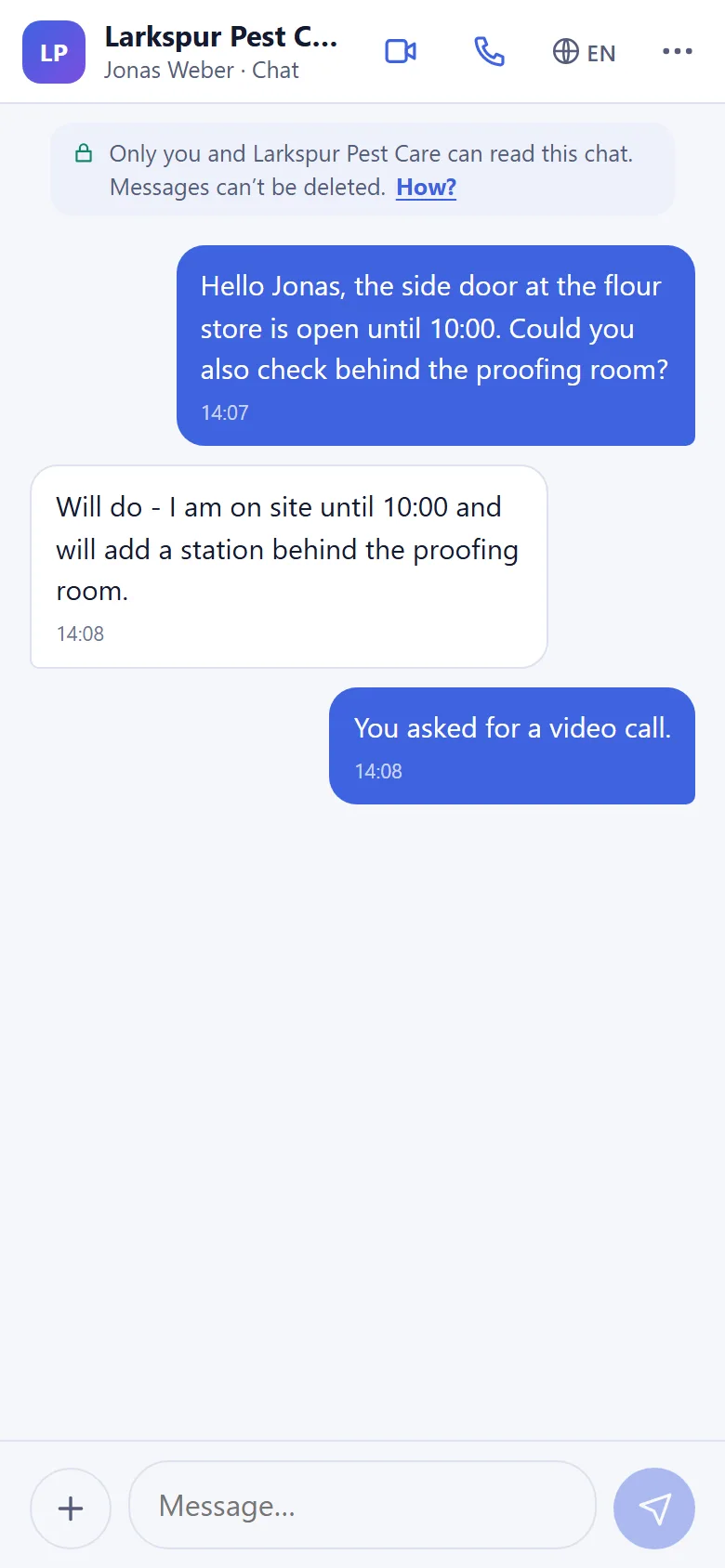
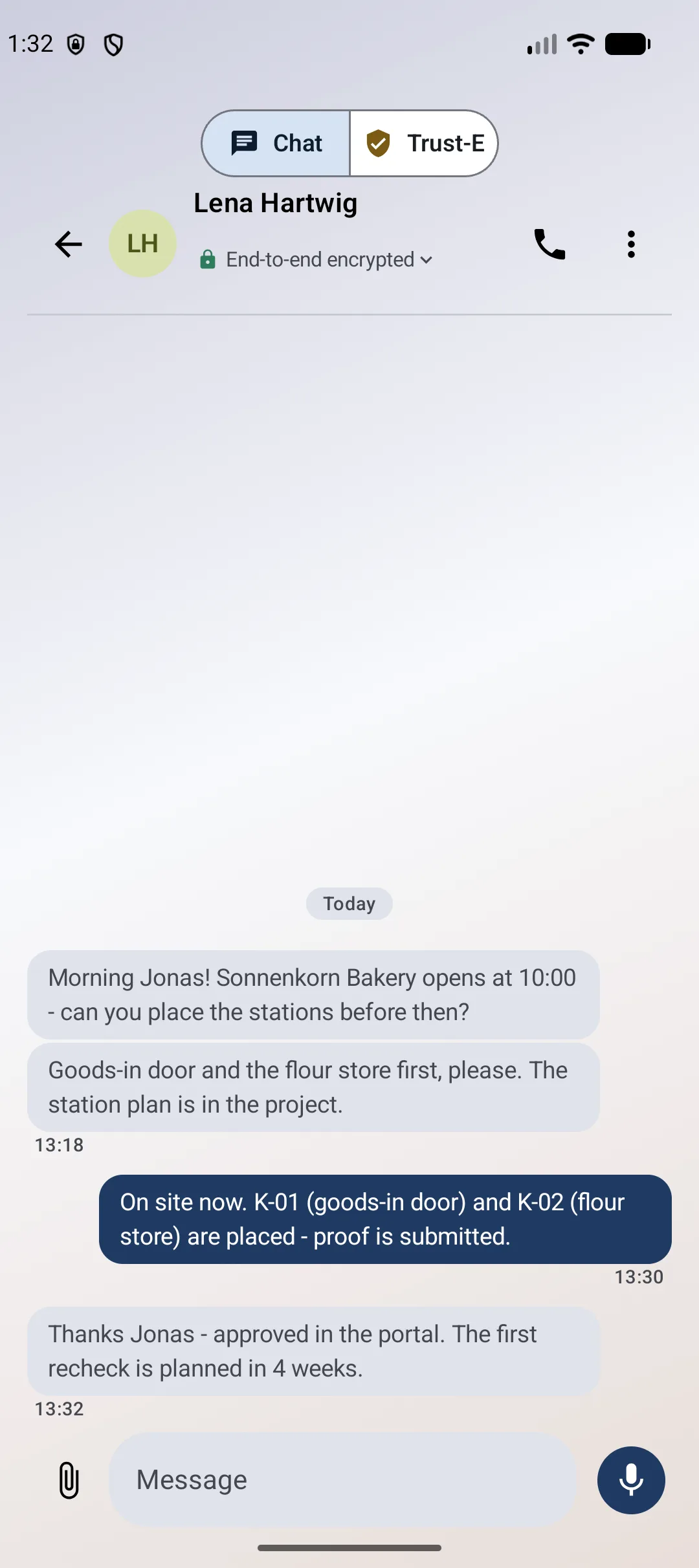
Exchange end-to-end encrypted one-to-one messages with a client, colleague or partner.
Encrypted messages, documents, voice and video. Invite clients and partners through a browser link — no guest account or app installation.
Calls on supported clients. Plan and guest usage limits apply.
The everyday communication tools you need, with encrypted content and a simple way for external people to join.
Exchange end-to-end encrypted one-to-one messages with a client, colleague or partner.
Exchange encrypted documents, photos and supported attachments without losing the context.
Move to an encrypted voice call on supported clients when a quick conversation helps.
Use encrypted video on supported devices and browsers when you need to see each other.
A browser guest link connects your invited visitor with its owner. No guest app or account.
Set guest-link expiry and revoke further access when the conversation is finished.
Keep client conversations connected to signed records, clear provenance and the deployment choices your organization needs.
Supported dedicated and customer-operated deployment, with configured storage destinations for your records.
Explore deployment choicesSigned evidence and case history help reviewers inspect origin and detect later changes.
See Proof RequestsSupported evidence exports and eligible JPEG Content Credentials make provenance easier to inspect.
Check a recordEnd-to-end encryption for supported content, plus a choice of AI provider or local-network processing.
Understand the privacy modelExplore a concrete client workflow, from a private conversation to a reviewable record.
For organizationsA straightforward invitation for the people you work with.
Prepare a guest link for the person you want to contact, with the access options you need.
Your guest opens the invitation in a supported browser. No guest account or installation.
Exchange messages and files, with voice or video where enabled for the invitation.
Keep a client conversation and its shared files together as the work progresses.
Talk with a customer, tenant or contractor about the details of a visit or request.
Invite a supplier or partner through their browser, alongside your StateNull work processes.
Understand what is protected and what information the service still needs to operate.
Messages, shared files and supported call media use end-to-end encryption. StateNull still processes operational metadata, including participants and connection times.
No. For guest conversations, the invited person can use a supported browser without installing an app or creating an account. Browser, device and service limits apply.
You can set an expiry or revoke the guest link. That stops further access through the link. Retention is managed separately; revocation cannot remove copies already saved by a participant.
Use the currently supported browsers and released app versions. Check your required devices before a rollout. Group-chat readiness and feature availability across clients require a separate review.
Review hosting, identity, retention, support and security documentation for your intended use. SSO and self-hosted deployment require an agreed configuration and acceptance review. StateNull is not independently security-audited today.
Start with a message. Share the document. Talk when it helps.